

Rykloud Commerce
72 store designs. Open one, and it is your shop
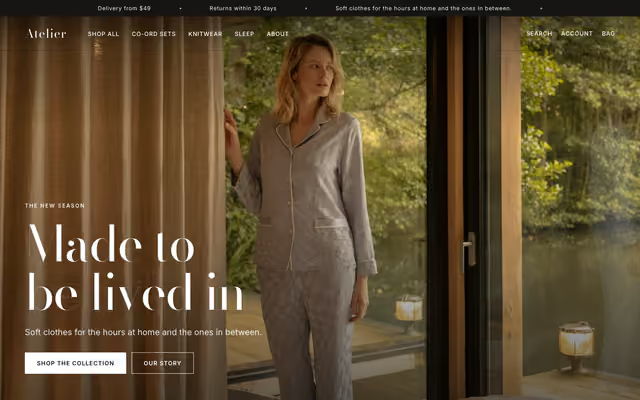 Atelier Lookbook and editorialPreview
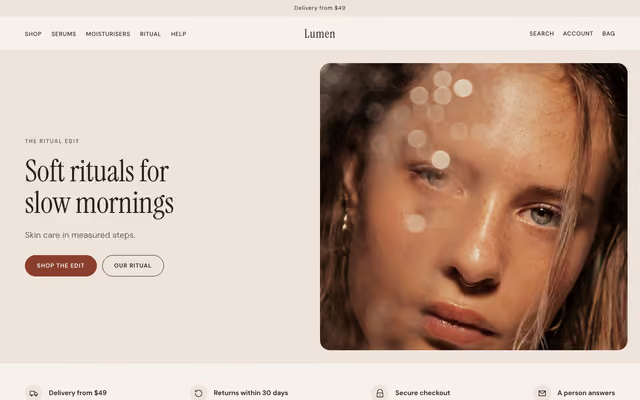 Lumen SkincarePreview
 Folio Presets and LUTsPreview
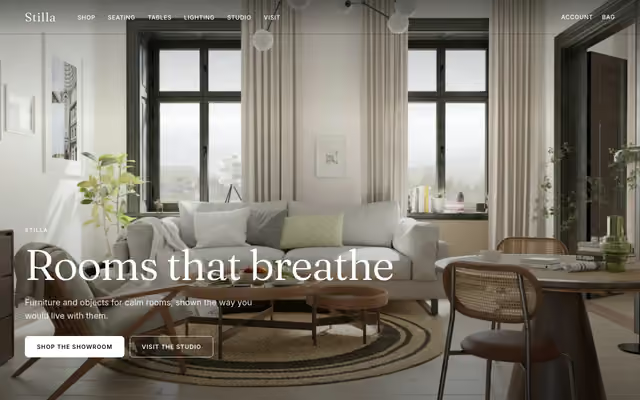 Stilla Nordic and minimalPreview
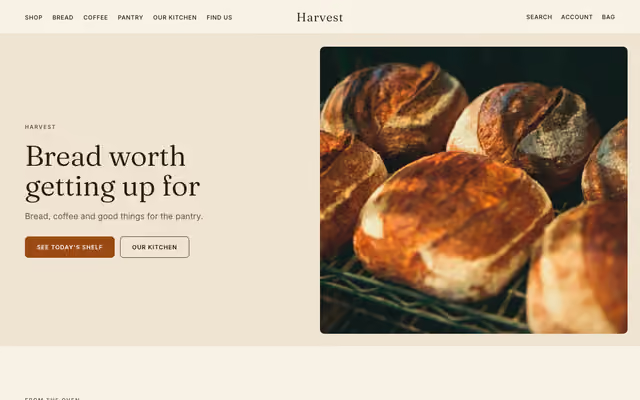 Harvest Bakery and pantryPreview
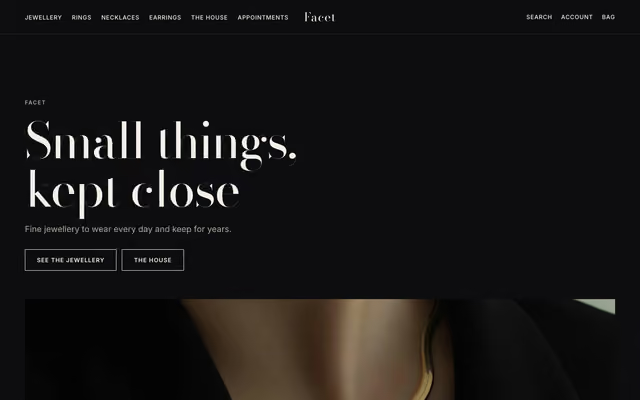 Facet Fine jewelleryPreview
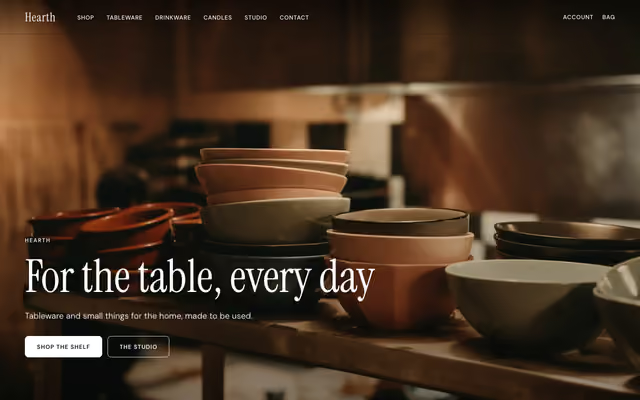 Hearth Ceramics and tablewarePreview
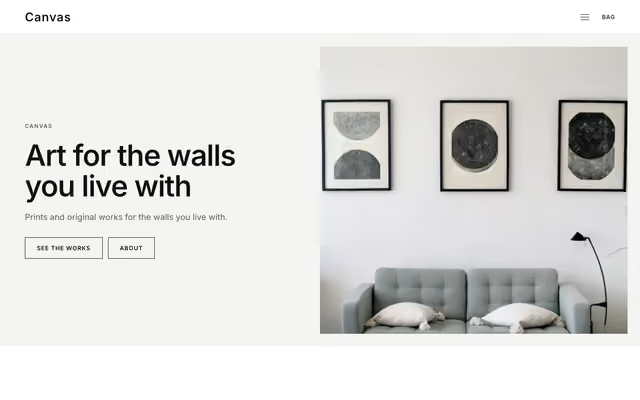 Canvas GalleryPreview
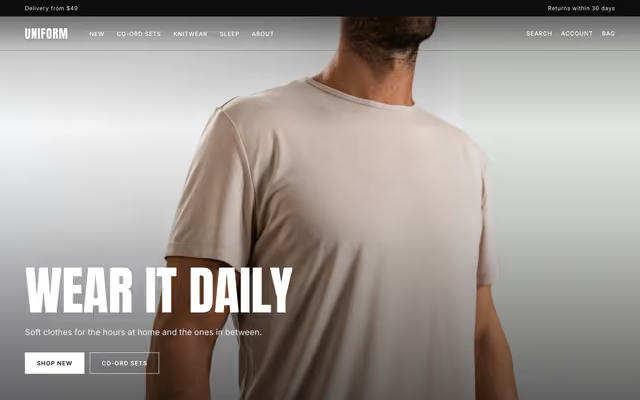 Uniform ApparelPreview
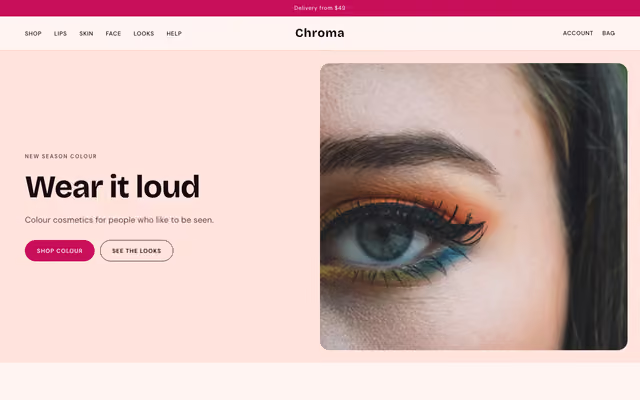 Chroma Cosmetics and colourPreview
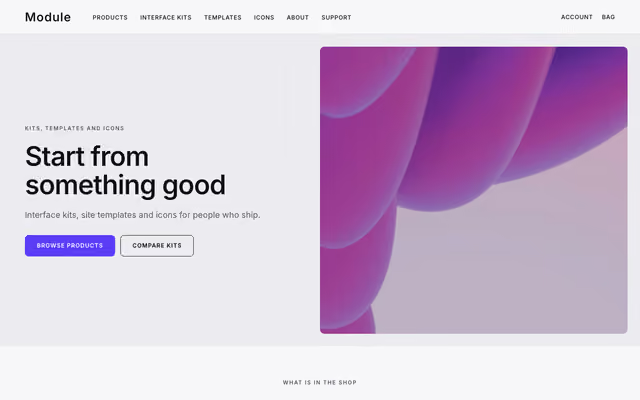 Module Icons and UI kitsPreview
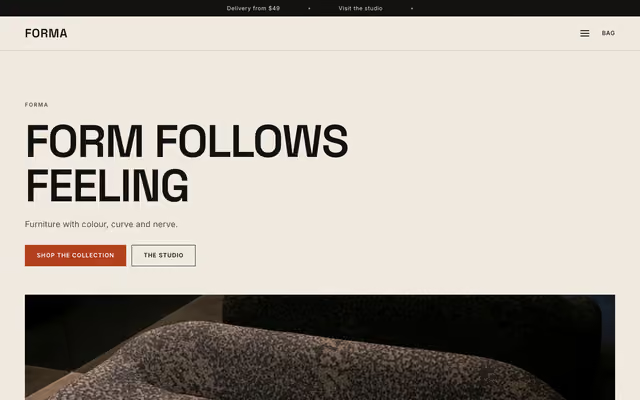 Forma Furniture storePreview
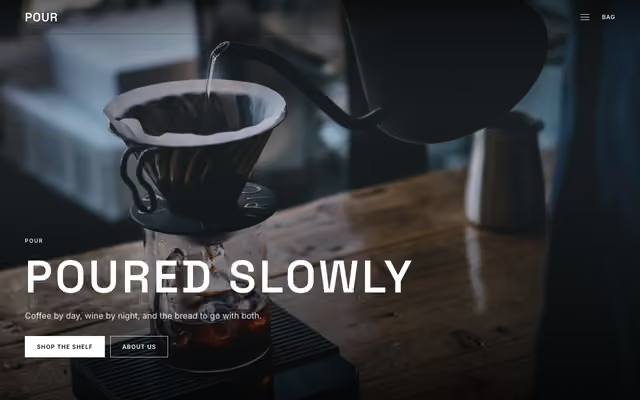 Pour Coffee, wine and drinksPreview
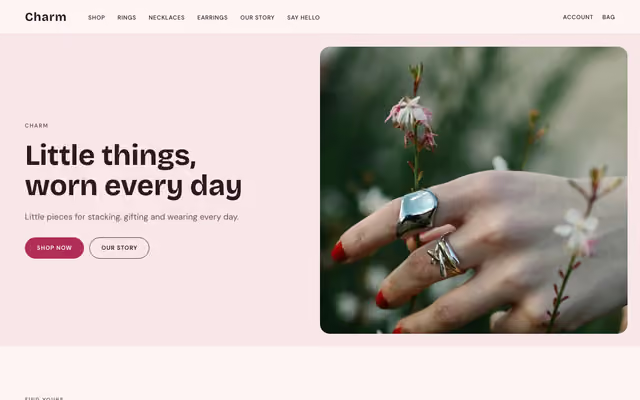 Charm Everyday jewelleryPreview
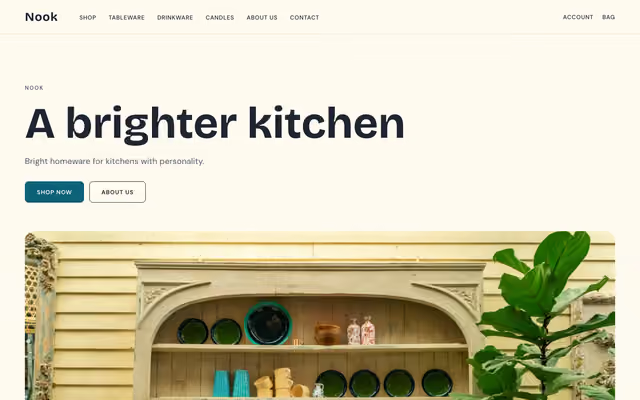 Nook HomewarePreview
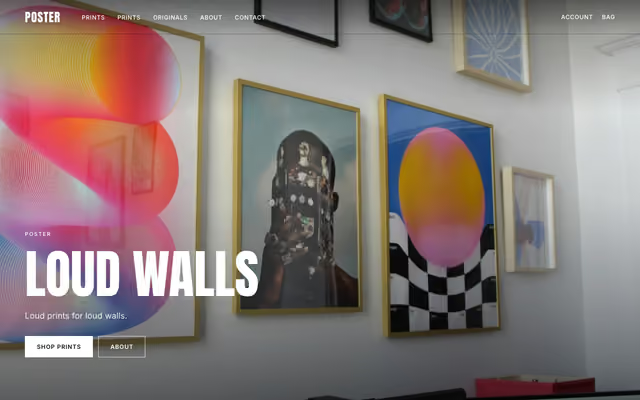 Poster Prints and postersPreview
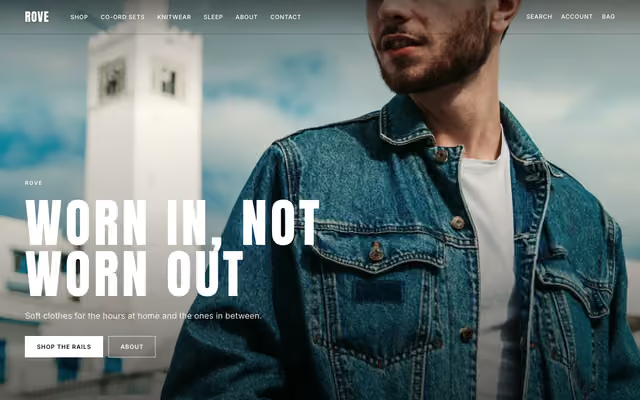 Rove Streetwear and merchPreview
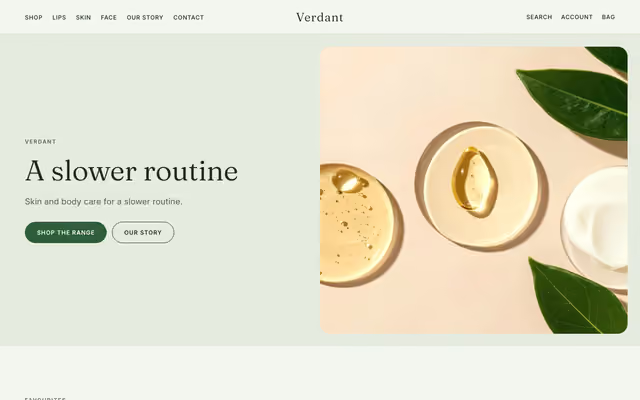 Verdant Clean beautyPreview
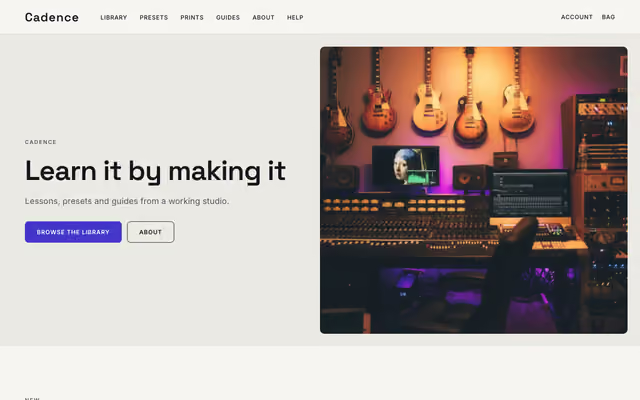 Cadence CoursesPreview
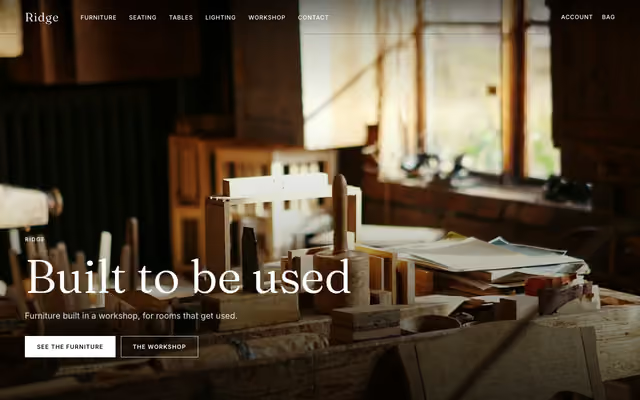 Ridge Craft and woodworkPreview
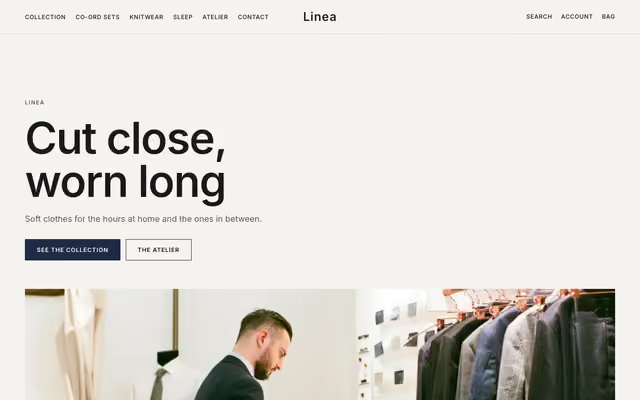 Linea ApparelPreview
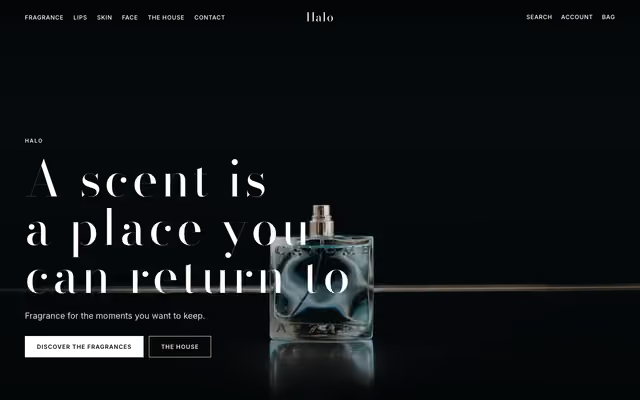 Halo FragrancePreview
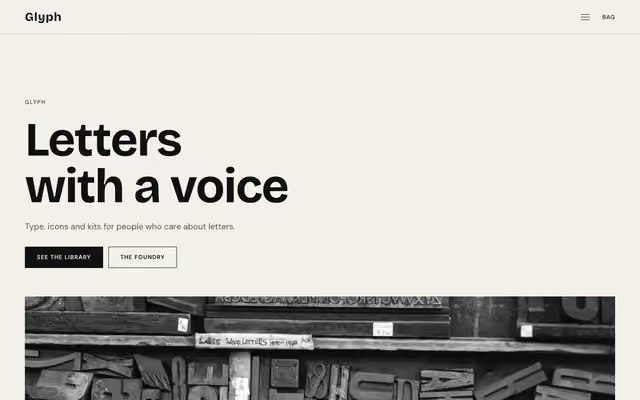 Glyph Fonts and typePreview
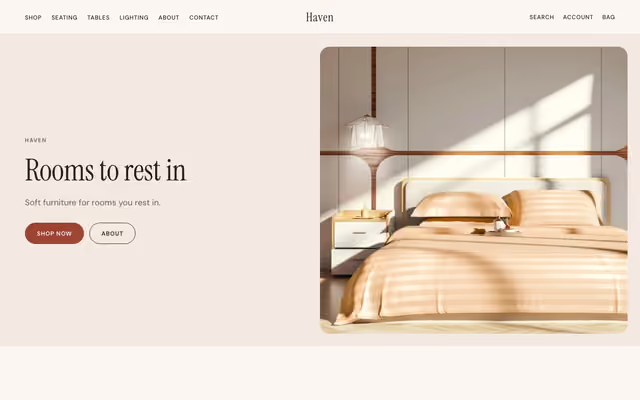 Haven Furniture storePreview
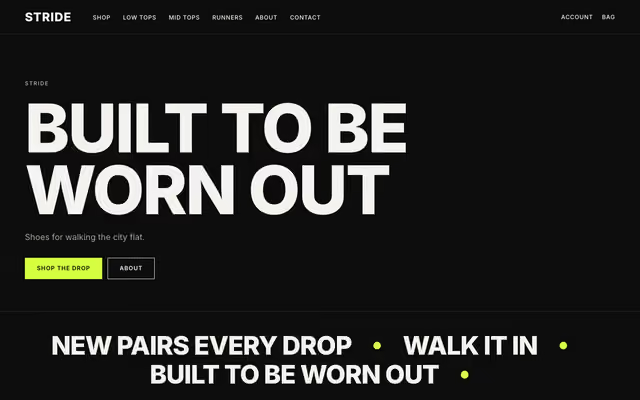 Stride Footwear and dropsPreview
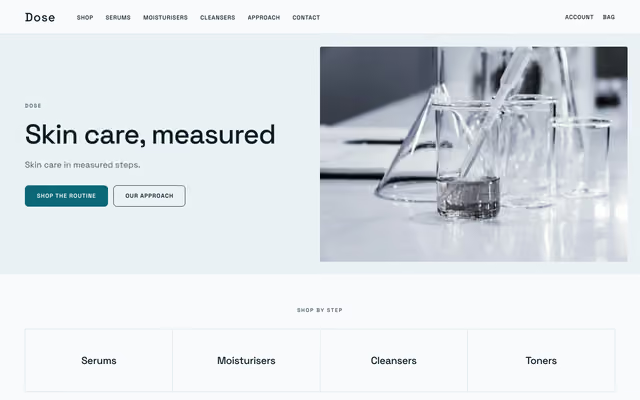 Dose Clinical and dermatologyPreview
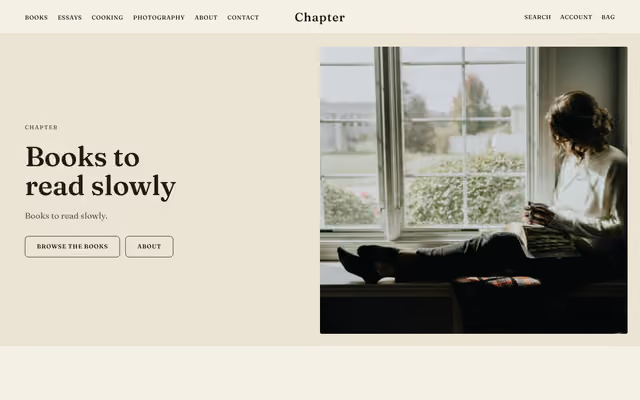 Chapter Ebooks and writingPreview
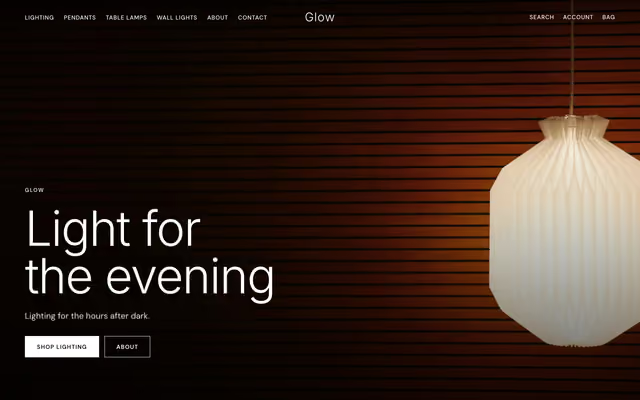 Glow LightingPreview
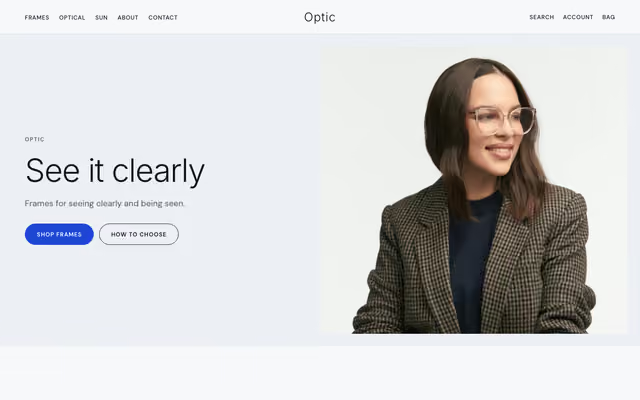 Optic EyewearPreview
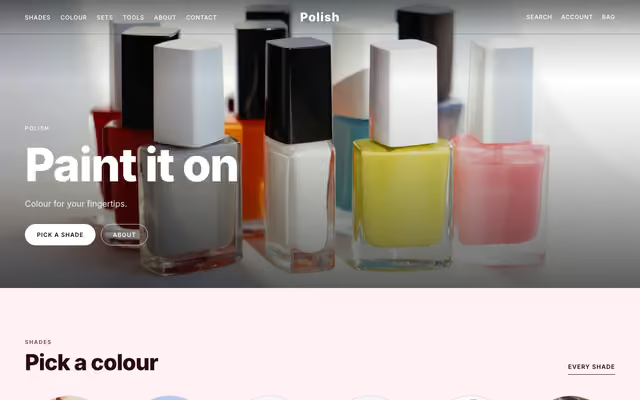 Polish NailsPreview
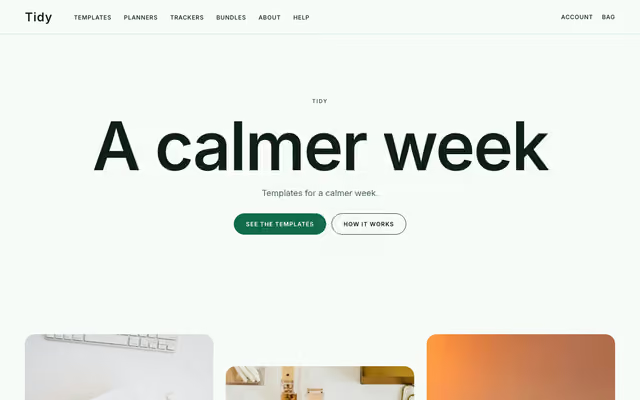 Tidy Productivity templatesPreview
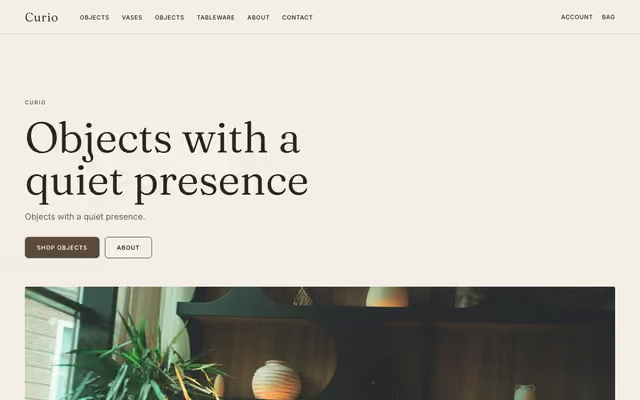 Curio Decor and objectsPreview
 Crew Streetwear and merchPreview
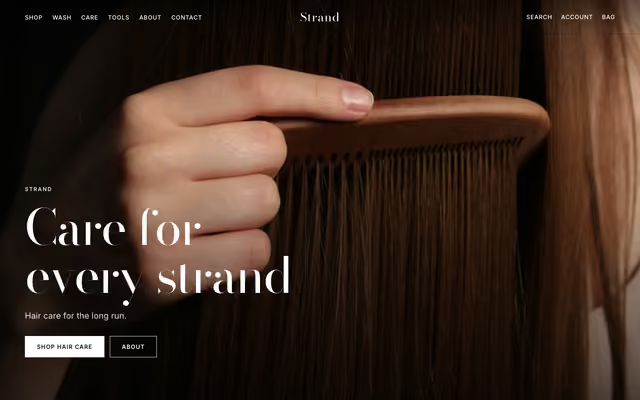 Strand HaircarePreview
 Reel Presets and LUTsPreview
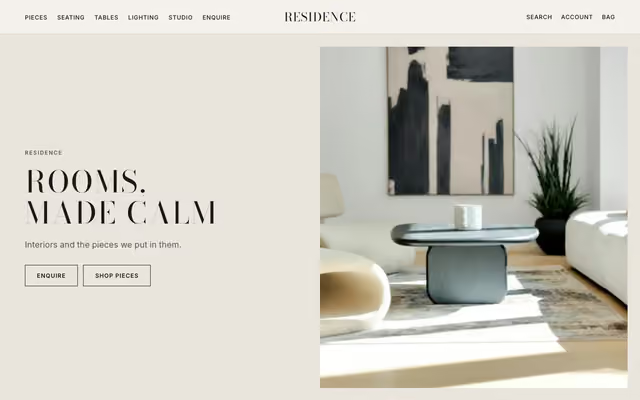 Residence Interior studioPreview
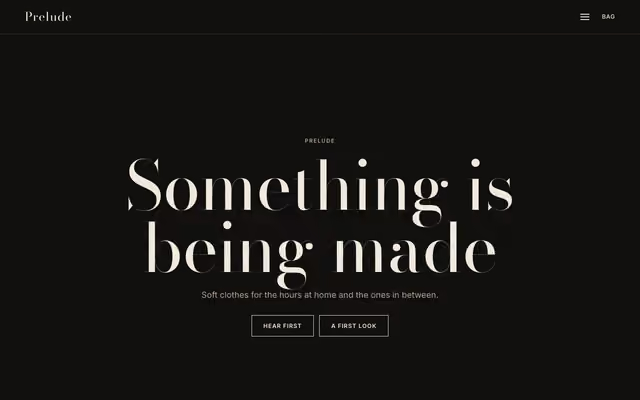 Prelude Coming soonPreview
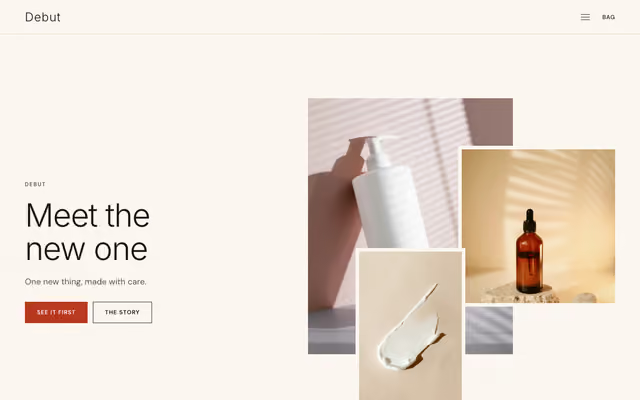 Debut Product launchPreview
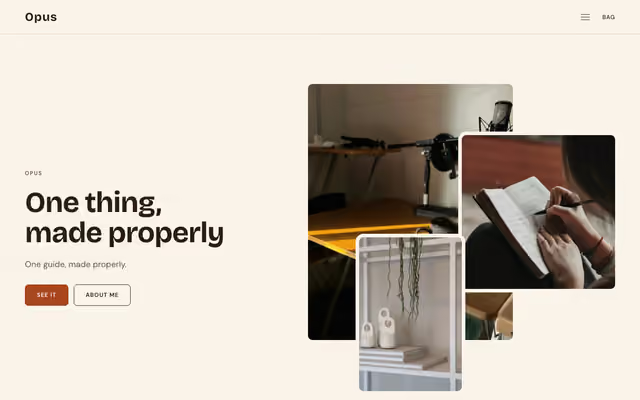 Opus A single productPreview
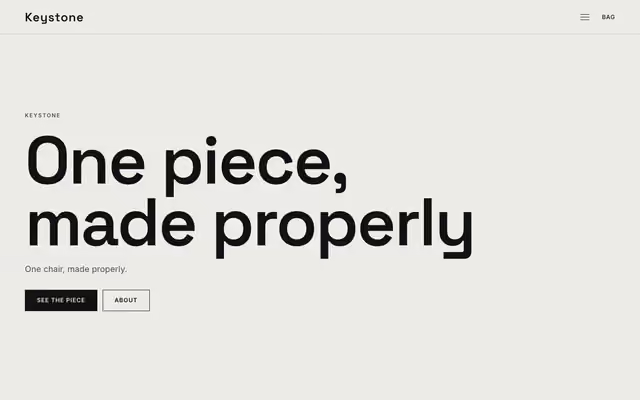 Keystone A single hero piecePreview
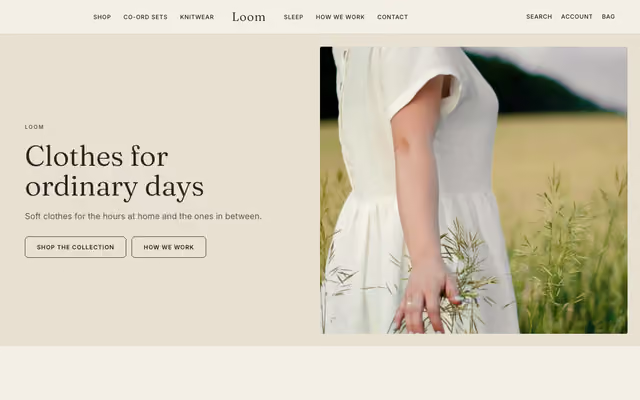 Loom ApparelPreview
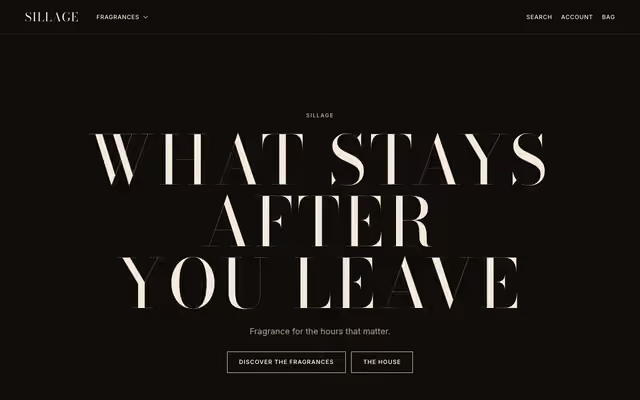 Sillage FragrancePreview
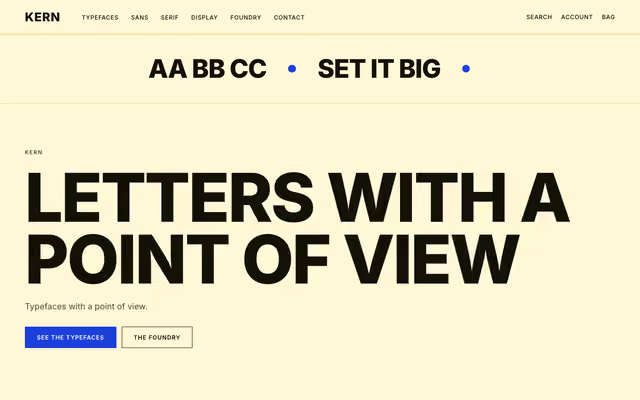 Kern Fonts and typePreview
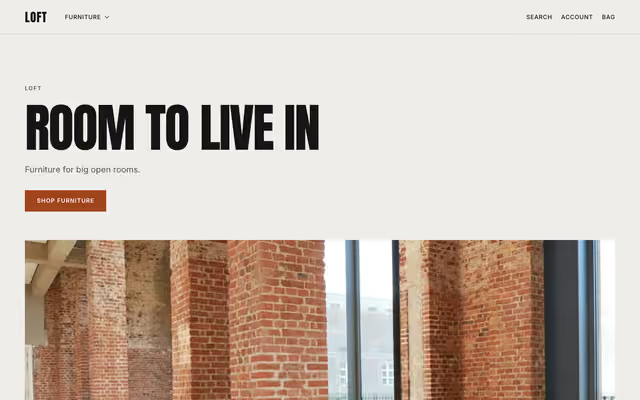 Loft Furniture storePreview
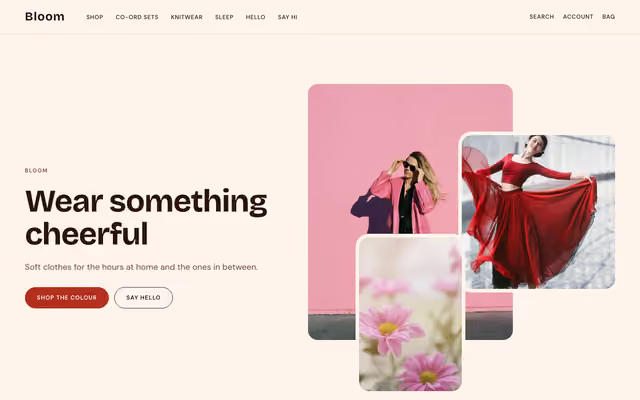 Bloom ApparelPreview
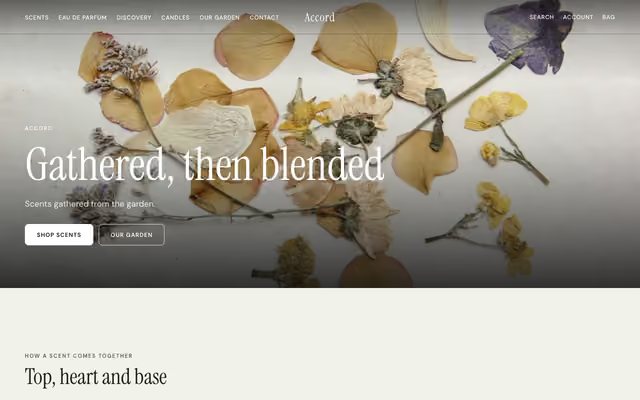 Accord FragrancePreview
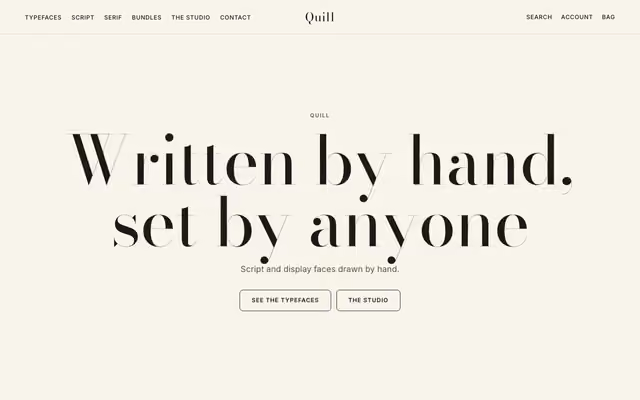 Quill Fonts and typePreview
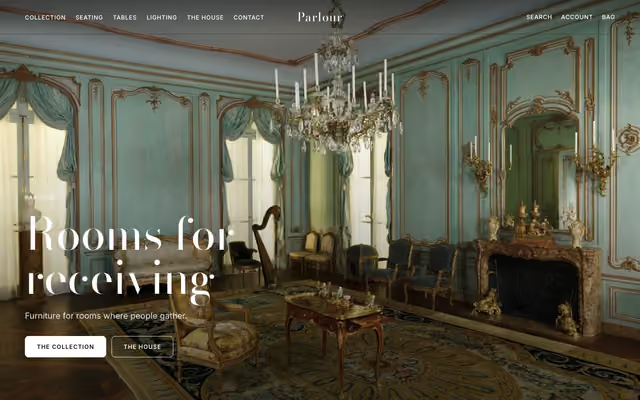 Parlour Furniture storePreview
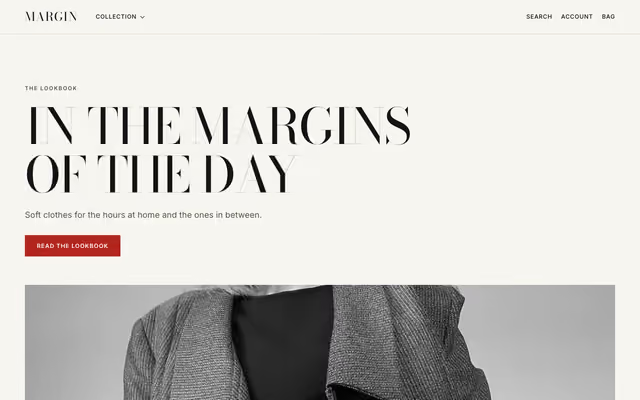
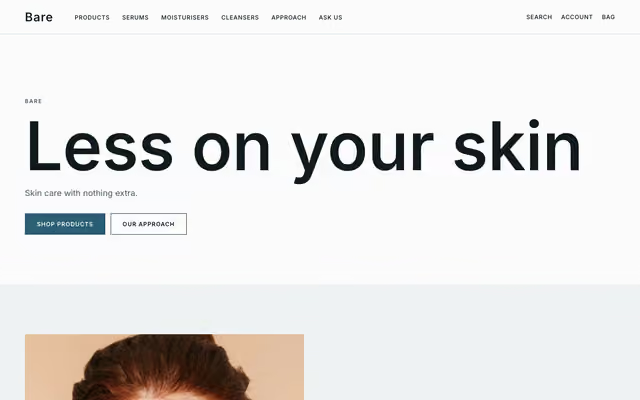
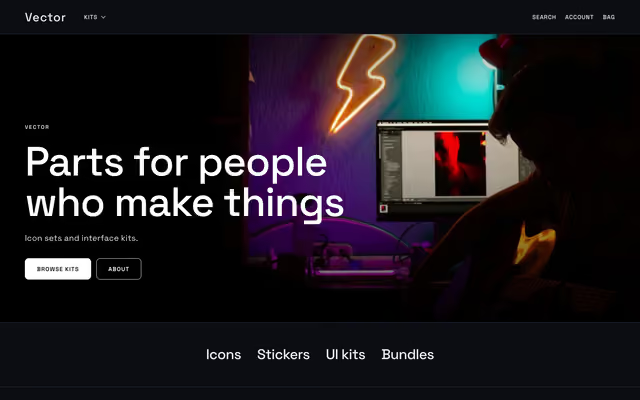
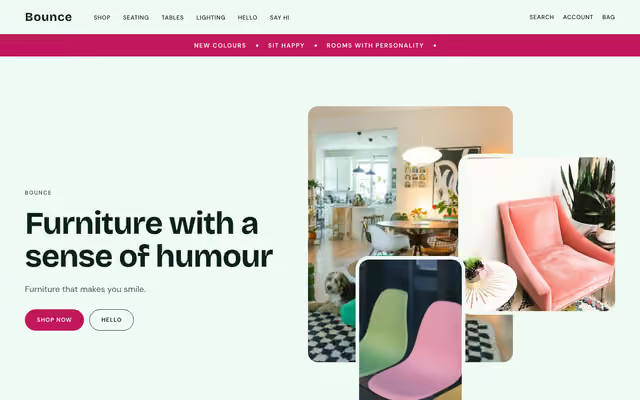
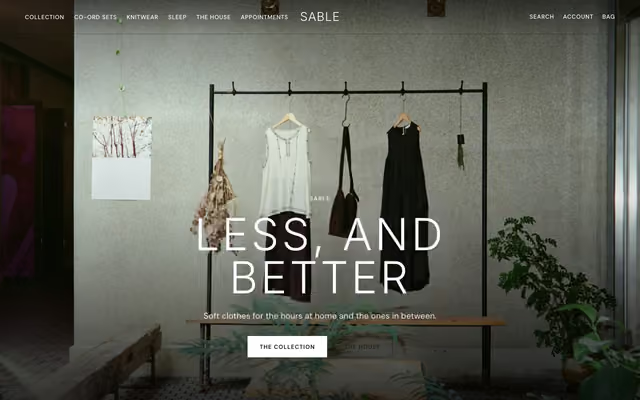
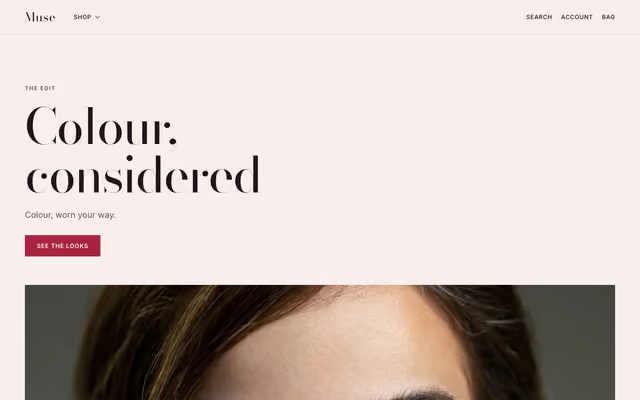
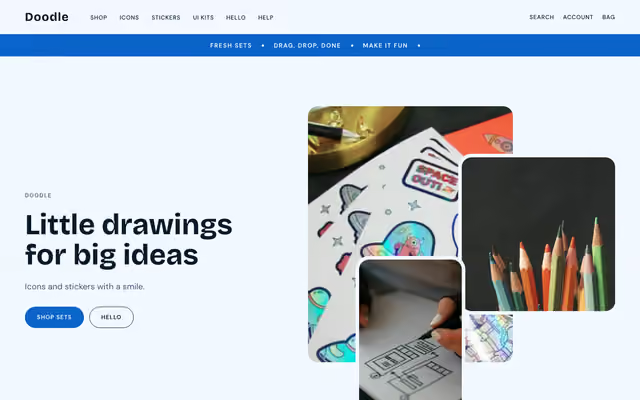
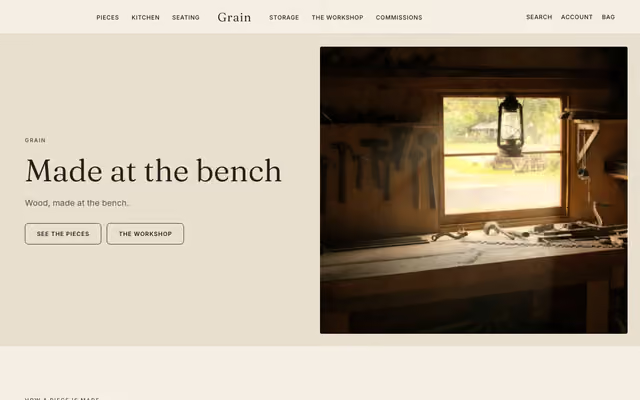
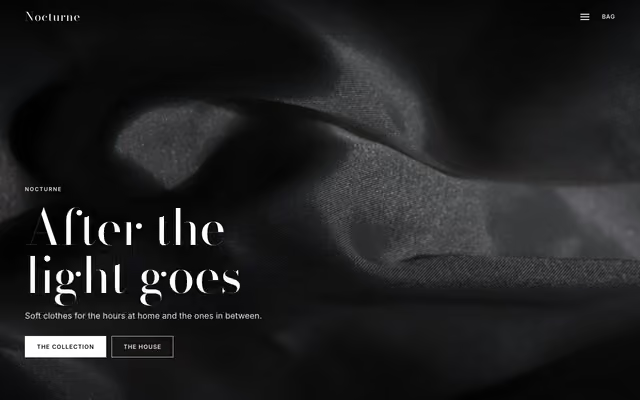
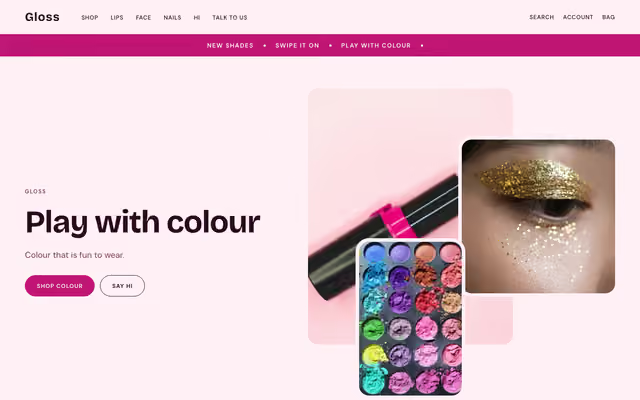
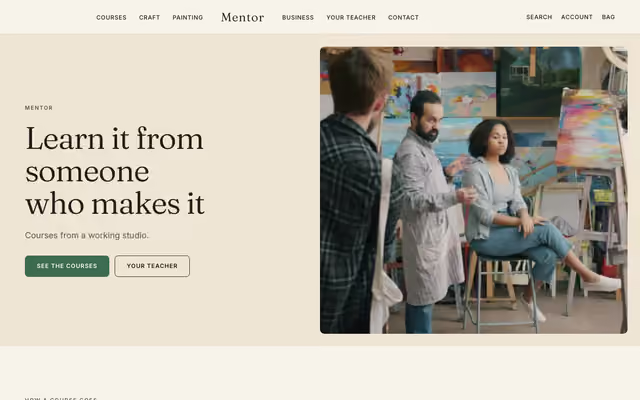
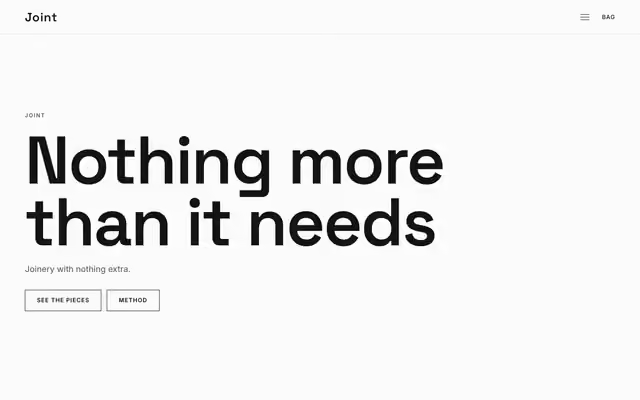
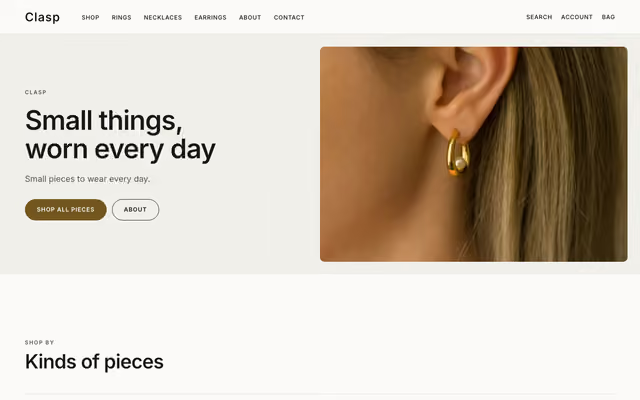
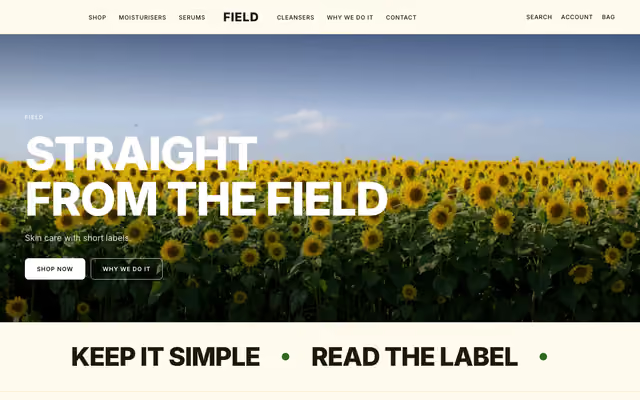
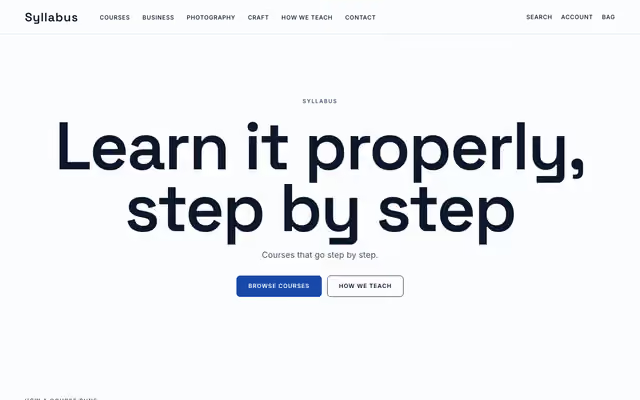
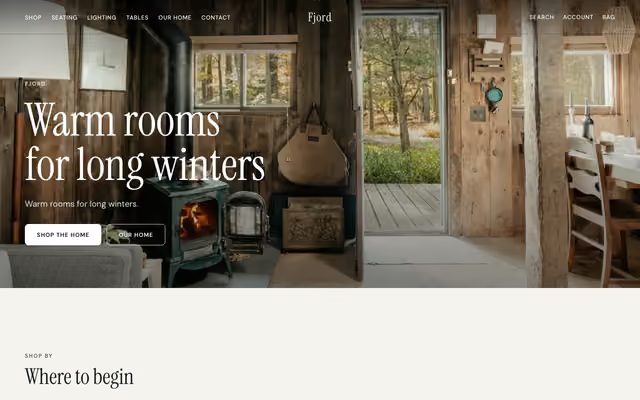
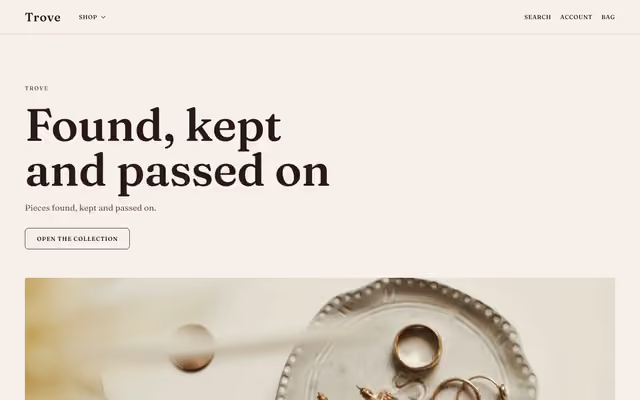
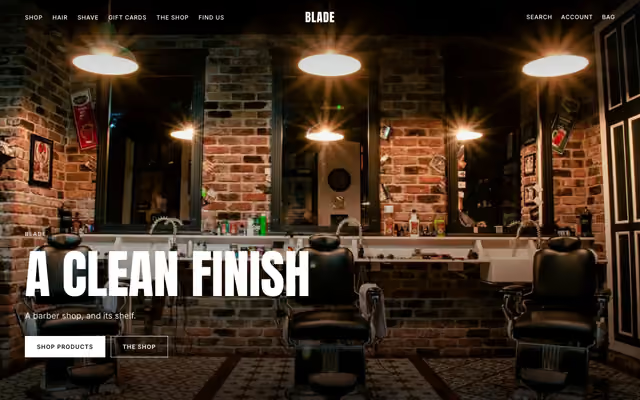
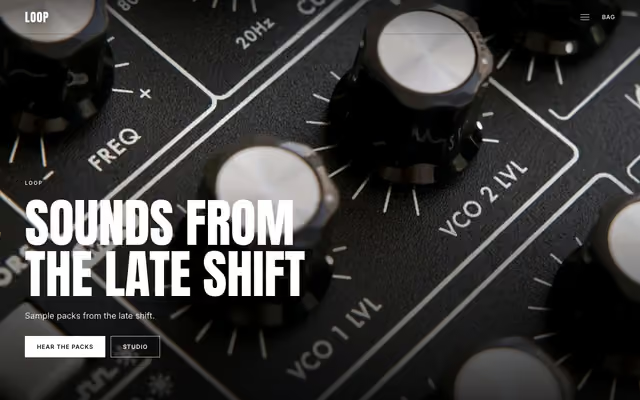
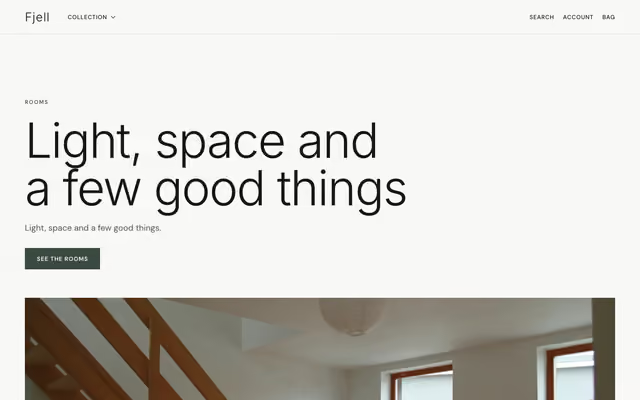
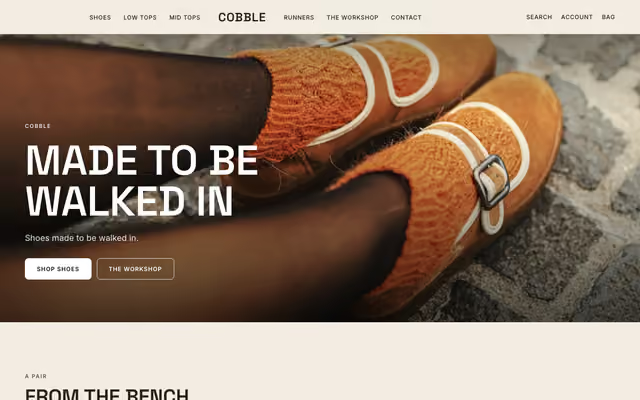
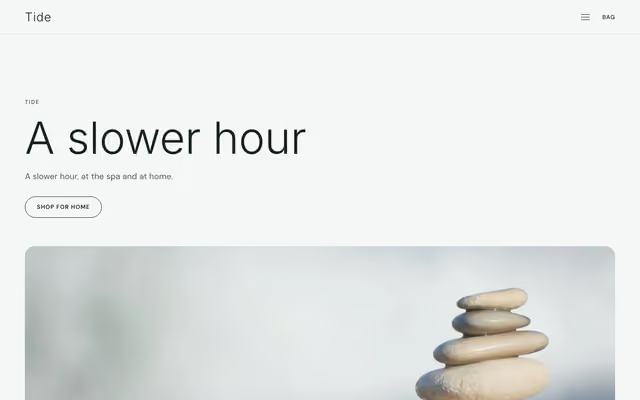
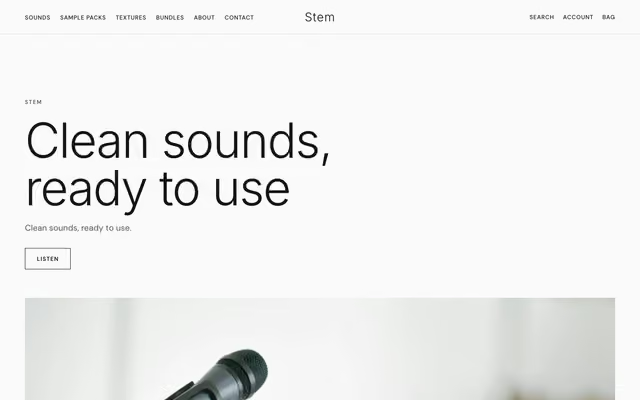
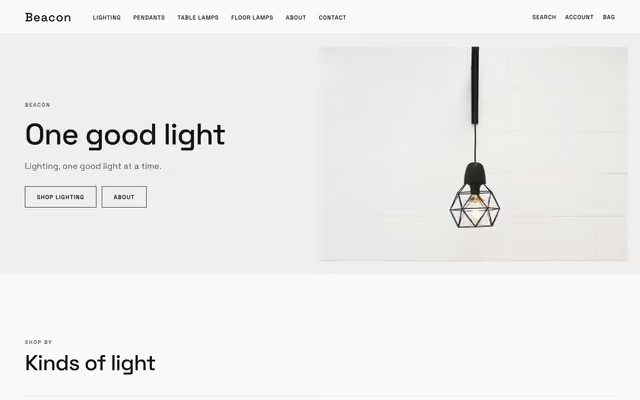
Choose a design and say what you sell: Rykloud's AI builds the whole shop in that template, its pages, collections and first products, and you run it from one admin. Every design opens as a working store with sample products. No theme to hunt for, no blank page to fill.
Templates
Every kind of shop,
by name
- Fashion16Atelier, Uniform, Rove, Linea, Stride, Optic, Crew, Prelude, Loom, Bloom, Margin, Sable, Nocturne, Clasp, Trove, Cobble
- Beauty16Lumen, Chroma, Verdant, Halo, Dose, Polish, Strand, Debut, Sillage, Accord, Bare, Muse, Gloss, Field, Blade, Tide
- Digital16Folio, Module, Cadence, Glyph, Chapter, Tidy, Reel, Opus, Kern, Quill, Vector, Doodle, Mentor, Syllabus, Loop, Stem
- Furniture16Stilla, Forma, Ridge, Haven, Glow, Curio, Residence, Keystone, Loft, Parlour, Bounce, Grain, Joint, Fjord, Fjell, Beacon
- Food and drink2Harvest, Pour
- Jewellery2Facet, Charm
- Home and lifestyle2Hearth, Nook
- Art and prints2Canvas, Poster
From a template to a shop
Four steps, one choice
01
Choose a template
Seventy-two designs across fashion, beauty, digital goods, furniture and more, each shown as it really draws.
02
Say what you sell
One sentence in any language, or nothing at all. The template is chosen once and never asked for again.
03
The shop, written for you
AI lays out the pages, sections, collections and first draft products inside that template, and shows it live before anything is made.
04
Finish it in the Studio
Click any word on the real page to change it. Undo, history and a publish summary keep every change safe.
The admin
Everything a shop runs on,
in one place
Each store runs on its own engine and database, made for it the moment you create it. People get their own roles in each store, and every change you make can be undone.
Products
Options and variants, photos for each choice, bundles, categories, tags and custom fields. Import a Shopify export as it is.
Orders
Send some items or all, refund by items or amount, returns, draft orders and edits with the difference stated.
Inventory
Stock at every place, transfers between them, running low and out, and the history of every change.
Customers
Segments, groups, tags and notes, the newsletter list with consent kept, and shopper messages in one inbox.
Discounts
Codes and automatic offers, paused or resumed at once with Undo.
Reports
Sales, visits, the funnel, products and sources over any period, and a tax report ready for filing.
Downloads
Sell files with download limits, expiry and licence keys.
Sourcing
Suppliers, samples, purchase orders and landed cost, with margins checked before a product goes on sale.
Free to join. A cloud shell and the Rykon AI trial come with it.
The Studio
Design on the real page,
not in a form
Click to edit
The Studio draws your real store. Click a section to change it, click a word to type over it.
Ask in a sentence
Ask for a change in plain words and the Studio applies it inside your template. Undo takes it back.
Colour you can read
Palettes are checked for contrast before they save, and the editor says which pair fails.
Free to join. A cloud shell and the Rykon AI trial come with it.
Payments and your own domain
A store takes card payments through Stripe at checkout. Our support team connects your Stripe account and your own domain with you, by email, while your store is designed, filled and published on its own address.
How payments are connected
Open your shop Choose a look first
Start from a template, let AI write the first version, and make it yours in the Studio.