

Workspace
Your team's desk,
in your own cloud
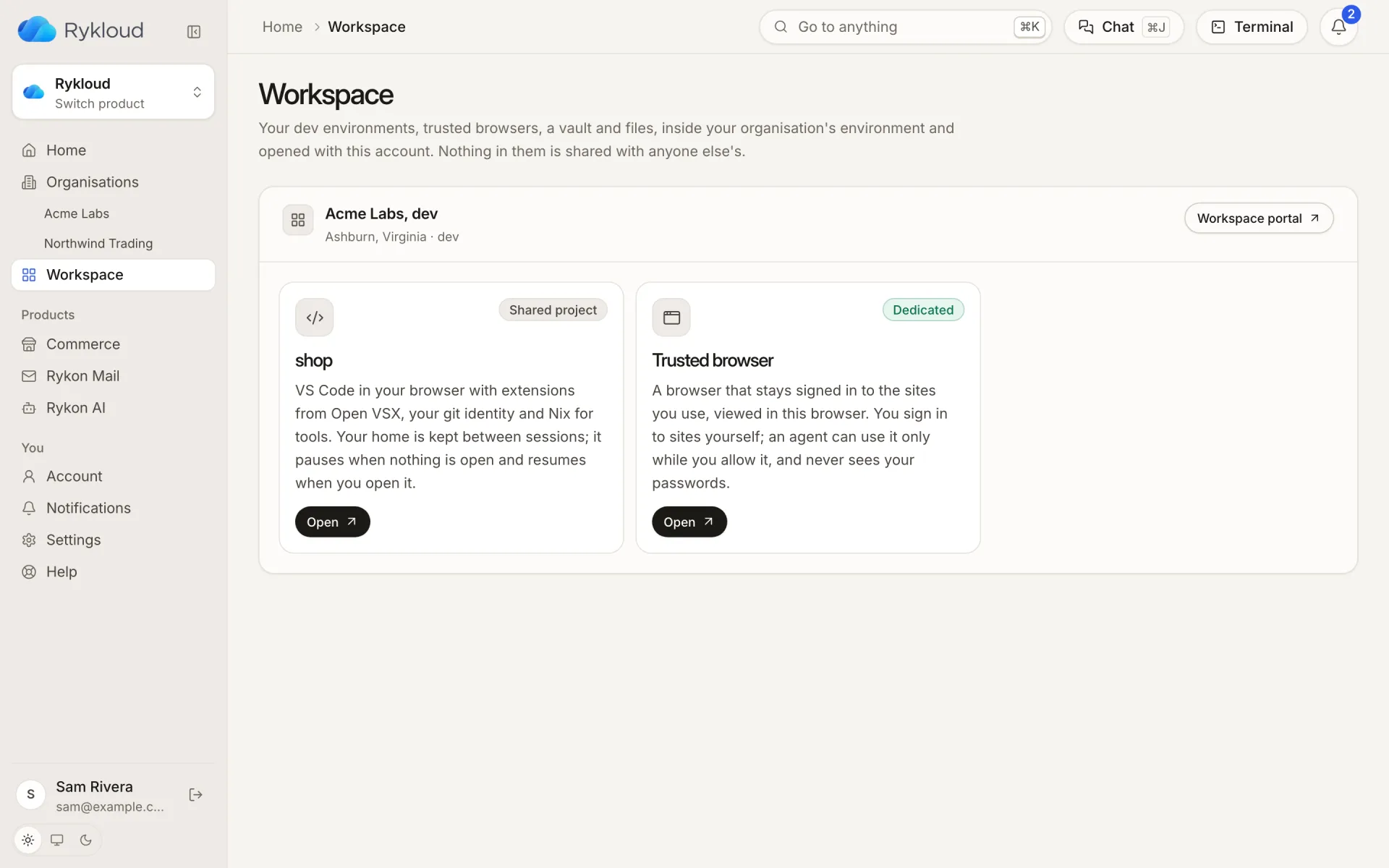
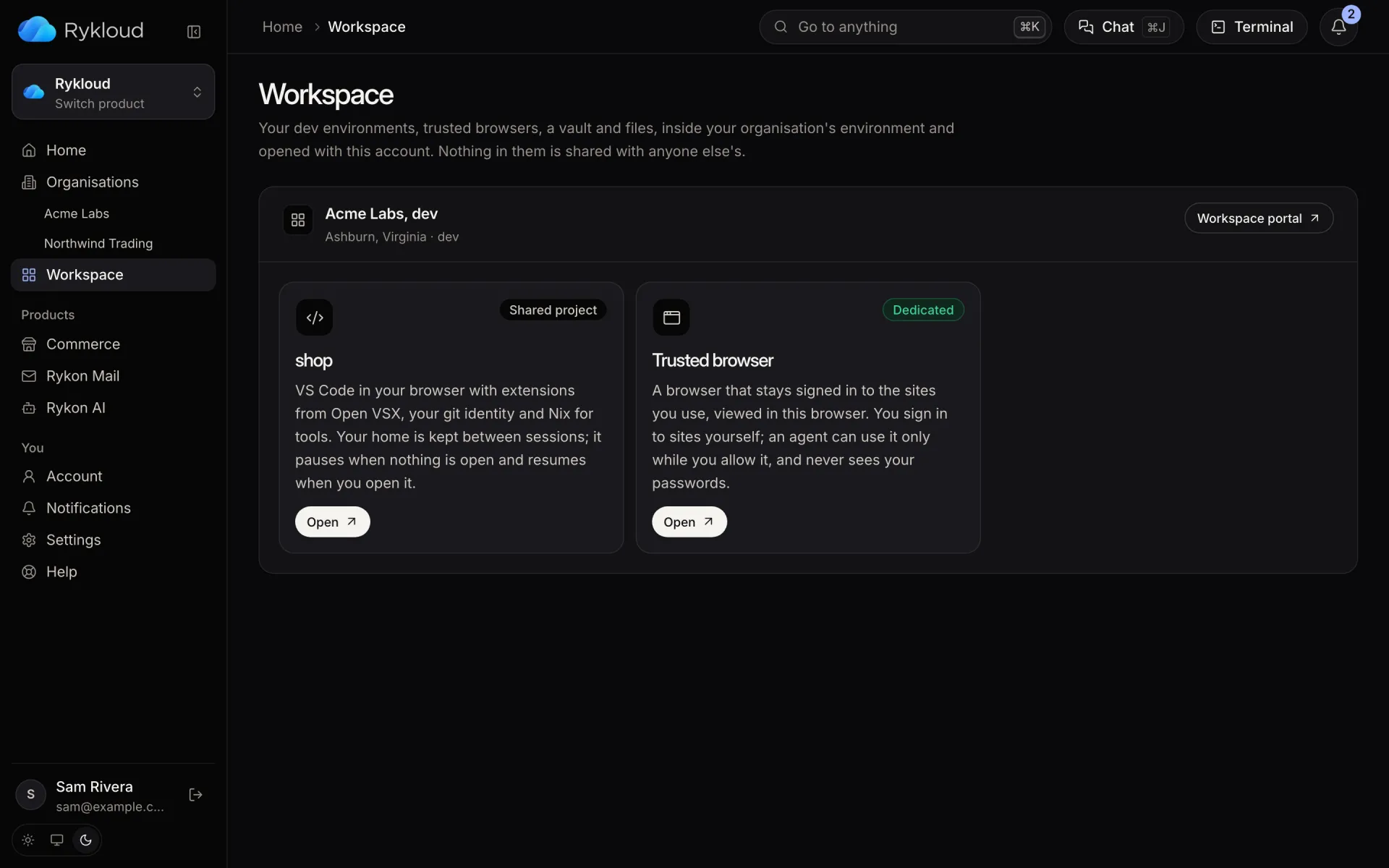
Each person opens VS Code in the browser next to the code it runs. Agents use a trusted browser only with your yes, and a terminal waits in the console. No laptop to set up, no VPN to hand out, no password pasted into chat.
Dev environments
Open a project,
start coding
Each person gets VS Code in the browser inside your environment, next to the services and data they work on. Shared projects have a dev environment of their own.
- Extensions from Open VSX, Claude Code among them
- Your git identity and Nix for tools
- Your home is kept between sessions; it pauses when nothing is open
Trusted browsers
A browser that stays signed in,
that agents use only with your yes
Sign in to the sites your team uses once, yourself. An agent can work in that browser only while you allow it, never sees your passwords, and you can take over at any moment. Trusted browsers run only on dedicated environments.
Cloud terminal
A terminal in the console,
free with your account
Your cloud shell
Press Terminal anywhere in the console for a shell with the rykloud CLI signed in as you. Up to 8 hours a day, at no charge.
A shell into what runs
Open a shell into a service or a database from its panel, without keys on your laptop.
Production asks first
A shell into production can wait for someone to approve it, from the environment's Terminal tab.
Recorded as sessions
Who opened what and when is on the record. Keystrokes are not.
One account
The same Rykon account signs you in to the console, the workspace and the CLI.
On any screen
Full screen with a key bar on a phone, docked beside your work on a desktop.
Free to join. A cloud shell and the Rykon AI trial come with it.

Bring your team in Keep it yours
A workspace comes with a dedicated environment. Ask for one, or start with an AI team in a box.